Table combinations
Table combinations allow you to easily set up automatic table merging. This means when a customer books a large party online the system will look for a combination that matches and books the combined tables. You will be notified on the day about any table combinations.
How to set up your table combinations
1. Head to your table setup area
2. Select the combinations tab

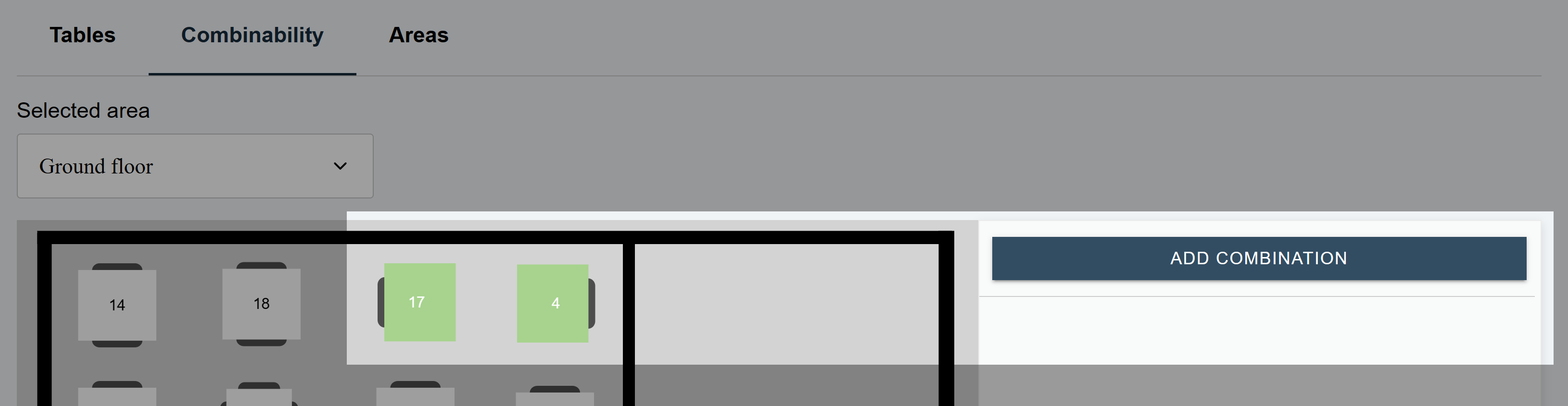
3. Select 2 or more tables and then click the "Add combination" button
Combinations sidebar
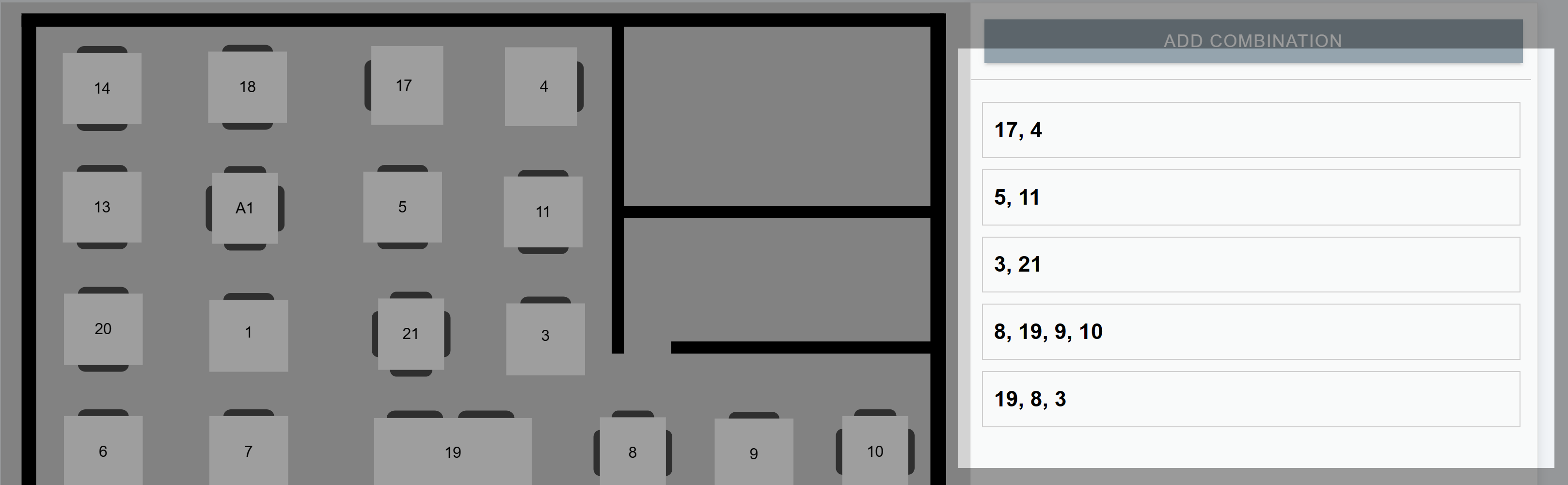
The sidebar shows you all your table combinations. You can click on a combination to view the tables in the group.
Delete a combination
1. Select the combination you wish to delete
2. Press the "Delete combination button"

3. A modal will pop-up asking you if you are sure. Click "Confirm deletion"